
No guesswork, no wasted sheets
New to your M2? Start here — tested, M2-ready materials for stickers,
signs, gifts, and everything you want to make.
New tested materials, just added — be the first to make with them.
 % off
26 % off
36 % off
% off
26 % off
36 % off
From stickers to signs, charms to custom gifts — whatever you want to make, the materials are tested and ready.
% off
% off
% off
% off
% off
% off
26 % off
26 % off
% off
% off
% off
 % off
% off
% off
% off
21 % off
26 % off
% off
% off
% off
% off
21 % off
26 % off
 26 % off
% off
% off
% off
% off
26 % off
% off
% off
% off
% off
% off
% off
26 % off
% off
% off
% off
21 % off
26 % off
% off
21 % off
26 % off
% off
% off
% off
% off
26 % off
% off
% off
% off
% off
% off
% off
26 % off
% off
% off
% off
21 % off
26 % off
% off
21 % off
Choose print, cut, or engrave — grab your materials that are tested and ready to go, and make your first project.
% off
% off
% off
% off
% off
% off
% off
% off
% off
% off
26 % off
% off
% off
21 % off
% off
26 % off
% off
% off
26 % off
% off
% off
% off
% off
Waterproof Sticker
Engraved Metal Card
Wood Star Decoration
Box Sticker
Leather Hat Patch
Carved Stone Slab
Custom Circular Necklace
Vintage-Style Notebook Cover
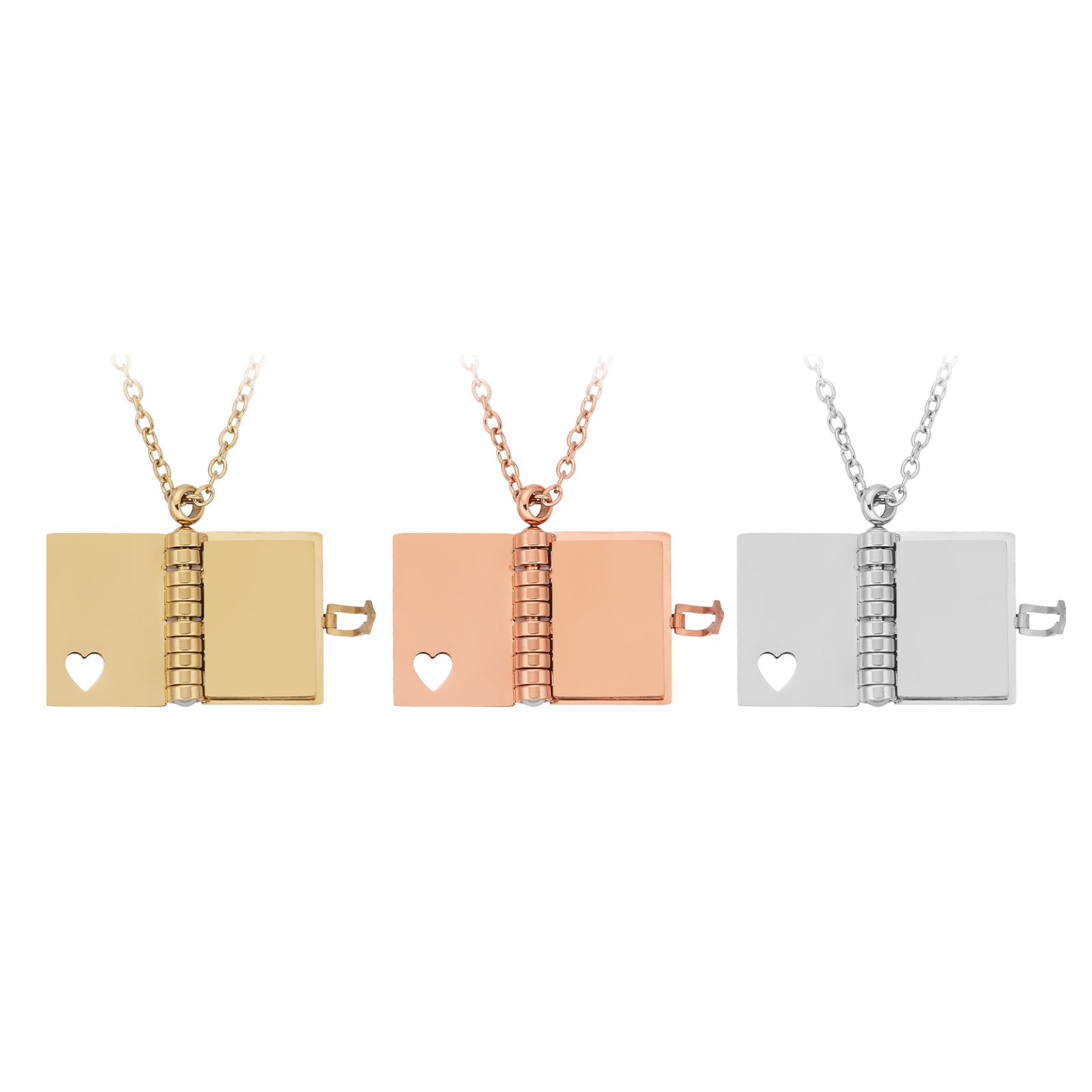
Heart-Shaped Necklace
Cake Topper
Engraved Leather Wallet
Felt Bag Charm
Acrylic Cup Decoration
Engraved Wood Box
Decorative Wooden Panel Art
Engraved Silver Ring
Colored MDF Hair Clip
Rose Gold Bracelet
Temporary Tattoo Sticker
Felt Plate
Waterproof Sticker
Engraved Metal Card
Wood Star Decoration
Box Sticker
Leather Hat Patch
Carved Stone Slab
Custom Circular Necklace
Vintage-Style Notebook Cover
Heart-Shaped Necklace
Cake Topper
Engraved Leather Wallet
Felt Bag Charm
Acrylic Cup Decoration
Engraved Wood Box
Decorative Wooden Panel Art
Engraved Silver Ring
Colored MDF Hair Clip
Rose Gold Bracelet
Temporary Tattoo Sticker
Felt Plate
Waterproof Sticker
Engraved Metal Card
Wood Star Decoration
Box Sticker
Leather Hat Patch
Carved Stone Slab
Custom Circular Necklace
Vintage-Style Notebook Cover
Heart-Shaped Necklace
Cake Topper
Engraved Leather Wallet
Felt Bag Charm
Acrylic Cup Decoration
Engraved Wood Box
Decorative Wooden Panel Art
Engraved Silver Ring
Colored MDF Hair Clip
Rose Gold Bracelet
Temporary Tattoo Sticker
Felt Plate
Knowing a material works is half the job — the other half is the settings.
With Materials Lab, you skip the guesswork.
A few materials behave differently than you'd expect. Here's what to know about printing and cutting before you start.
Not every acrylic prints, and not every acrylic cuts.
Know the difference before you buy — so you don't end up with a sheet you can't use.
New materials, tested settings, project files, and the tricks we've picked up along the way — sent to your inbox, not buried in a forum thread.
Why xTool Selected Materials?
Connect with thousands of makers and small business owners. Get free project files, expert tips, product testing insights, and creative inspiration to help you create with M2.
You can apply Transparent Print Primer Spray before printing for better ink adhesion and richer colors.
Finish with Clear Matte Paint Spray to protect pieces that are handled, displayed, gifted, or sold.
Here is a complete M2 Materials Cheat Sheet, which is quite useful for beginners. Check it, and start your first project!
Yes — with blue-light cuttable (colored) acrylic that's made for diode lasers. Standard clear acrylic generally won't cut on a blue diode laser, so choose acrylic labeled diode/blue-light cuttable, or engrave clear acrylic instead.
You can try, but printing directly on untreated acrylic isn't recommended.
Sticker is a easy place to start. Print your design in full color, then let the laser cut the outline — one machine, one session, a finished sheet of custom stickers.
More colored MDF, felt bundles, Inkjet Sticker Paper,Temporary Tattoo Sheets, and M2 materials packs land since July. Drop your email above and we'll tell you the moment they're in stock.